Sale
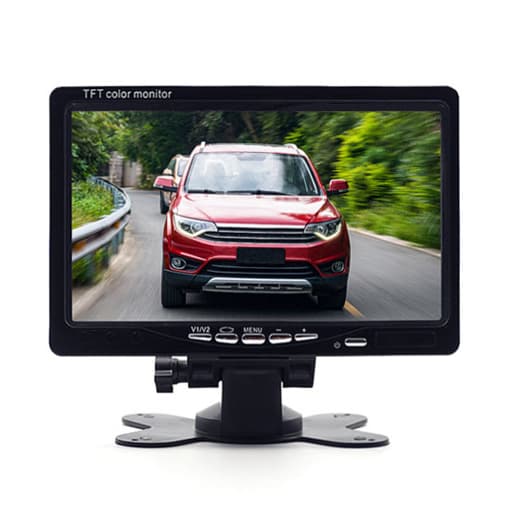
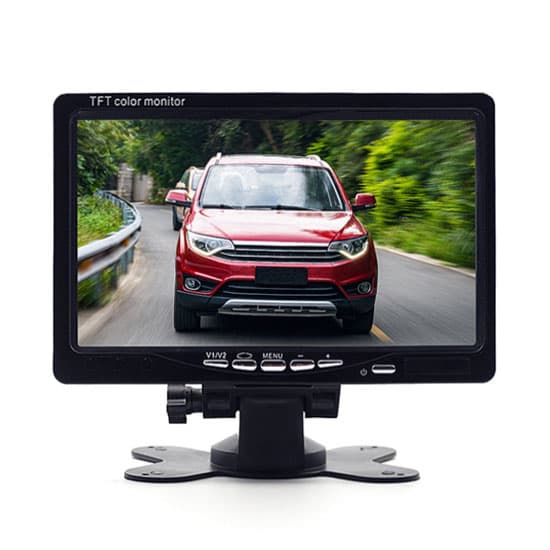
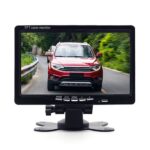
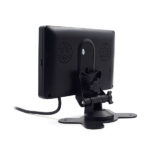
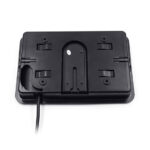
7 Inch Monitor for Dash Cam, DC 12V/24V
Original price was: $86.68.$26.99Current price is: $26.99.
56
People watching this product now!
Description
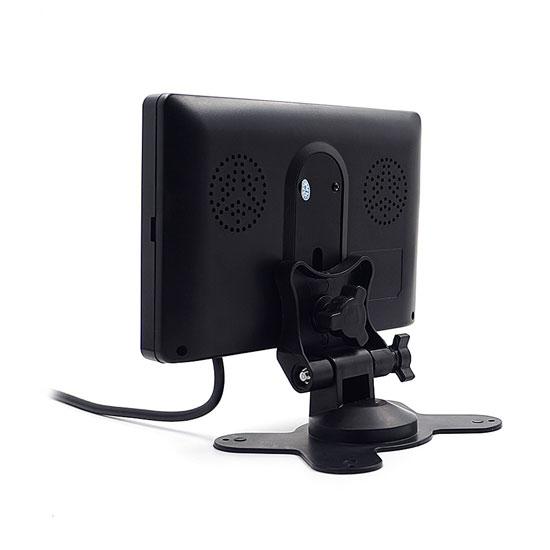
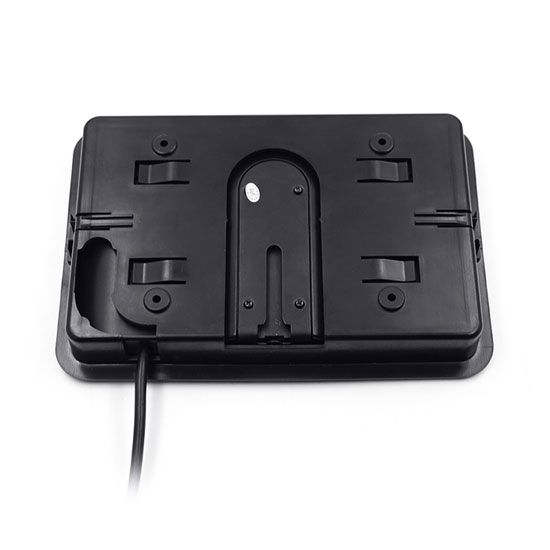
7 inch dash cam monitor is special designed for the vehicles that haven’t a reversing display but need install dash cam. It equips a headrest bracket, a vertical bracket and a remote control. The installation method is more flexible.
Specification:
| Model | T-TS7018-C | |
| Gross weight | 0.8kg | |
| Box size | 215*150*85mm | |
| Display | 7 inch TFT color digital monitor | |
| Display size | 172*112mm | |
| Display mode | 16:9 | |
| Resolution | RGB 800*480P | |
| Brightness | 300cd/m2 | |
| Working voltage | 12~24VDC | |
| Rated power | 7W | |
| TV standard | NTSC/PAL | |
| Input | 2 channel RCA inputs | |
| Operating mode | Keys operation and remote control | |
| Color | Black | |
| Applicable vehicle | Bus, truck, excavator | |
| Certification | CE | |
| Warranty | 12 months | |
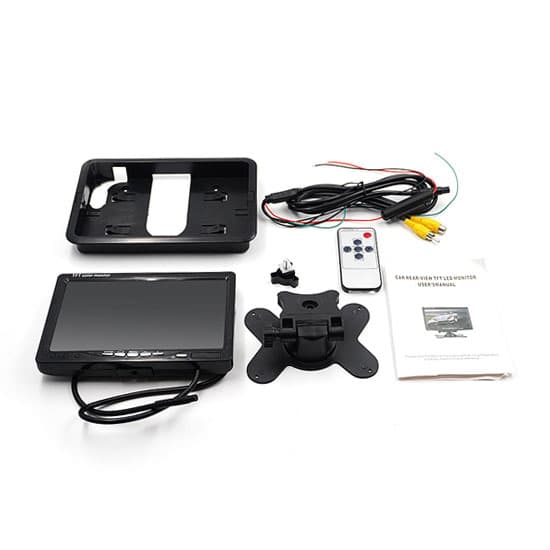
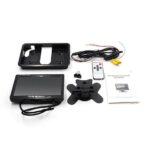
| Packing included | 1 * 7″ TFT color monitor 1 * remote control 1 * headrest bracket 1 * vertical bracket 1 * video input cable 1 * user manual 1 * color box |
|
Tips: How to install 360 dash cam with external monitor?
- First confirm the installation location of each camera and wiring.
- Confirm the location of the host, and try to face the host panel to a location convenient for remote control.
- Confirm the placement of the monitor:
The dash cam monitor can be placed in the blank of the center console panel.
It can be placed on the instrument desk with a vertical bracket.
Monitor can be stick at the rearview mirror of the vehicle. - First, lay out the video extension cable. It can be placed and tied together with the original car cable.
- Arrange the dash cam monitor. Remove the monitor bracket first, fix the bottom bracket, and then install the monitor on the bracket.
- Connect the power cables of the vehicle video recorder and the vehicle monitor. Use an automotive voltage tester to confirm whether the voltages of the power cables are correct. Plug the power cable of the monitor and the host, and turn on the power.
- Wait for the booting completed and enter the 4-in-1 monitoring interface. After plugging in each camera power cable, adjust the position and angle of the camera, and then fix all the cameras.
- Finally, complete all display parameter settings and operation debugging according to the user manual.
Related products
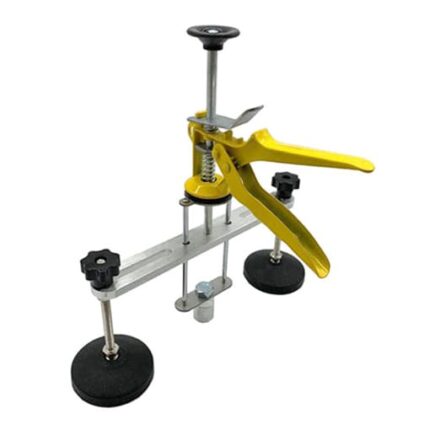
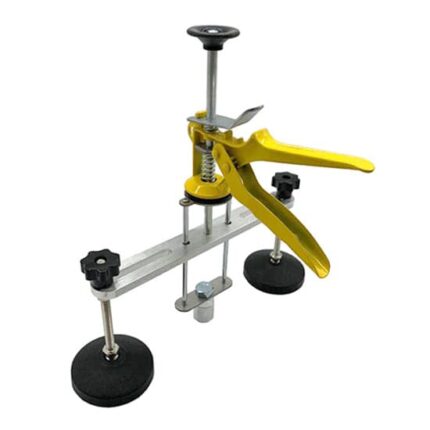
12 Inch Bridge Dent Puller
Original price was: $123.78.$37.99Current price is: $37.99.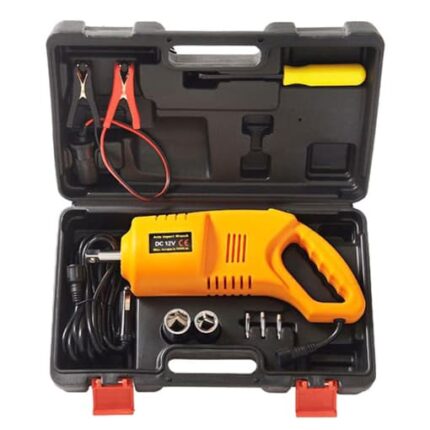
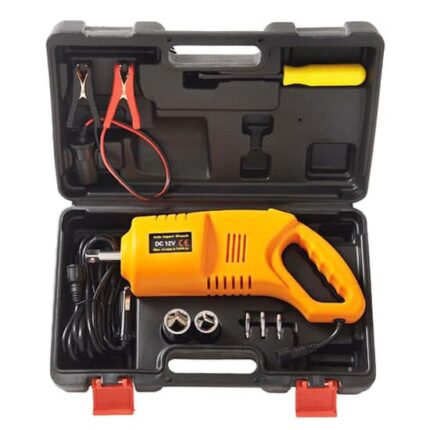
12V Car Impact Wrench 80W
Original price was: $163.68.$49.99Current price is: $49.99.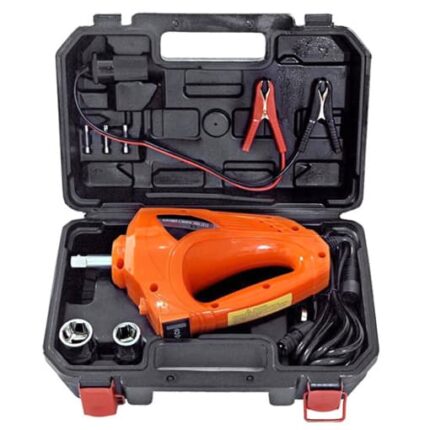
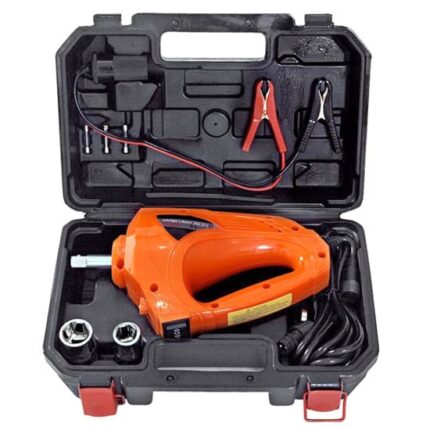
12V Impact Wrench for Car 80 watt
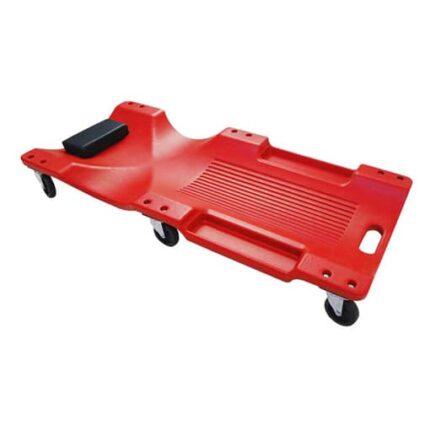
Original price was: $163.68.$49.99Current price is: $49.99.40 Inch Automotive Creeper, Green/Red/Black
 Black (no LED light)
Black (with LED light)
Green (no LED light)
Green (with LED light)
Black (no LED light)
Black (with LED light)
Green (no LED light)
Green (with LED light)
+2
Red (no LED light)
Red (with LED light)