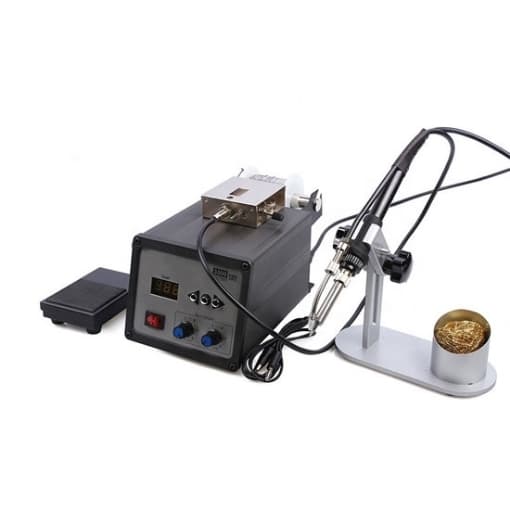
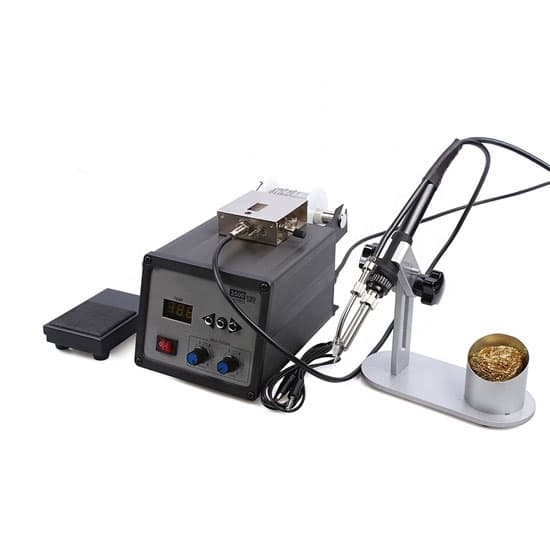
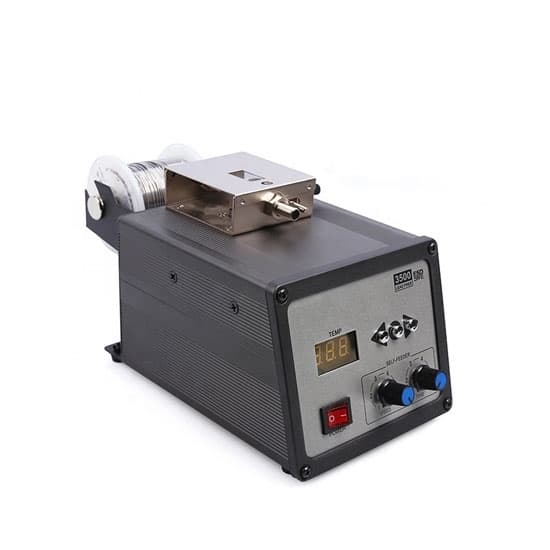
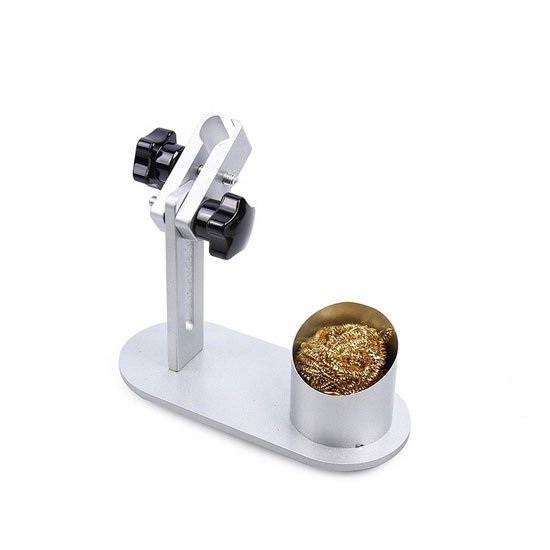
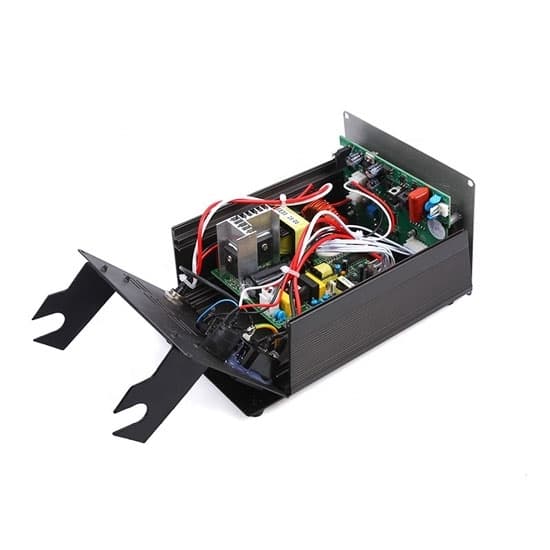
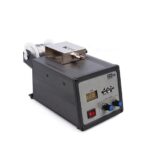
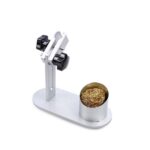
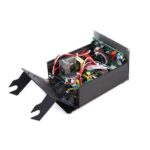
Electric Digital Soldering Station, 120W
Original price was: $347.53.$104.99Current price is: $104.99.
The 120W digital soldering station offers precise temperature control and reliable performance for all your soldering projects. Designed with advanced digital technology, it ensures accurate soldering for a wide range of applications. With an AC voltage range of 110V/220V and a frequency of 50/60Hz, this station delivers a maximum power output of 120 watts. The large digital LCD display allows for easy monitoring and adjustment, while the high-temperature resistant cable ensures safe operation. Ideal for both professionals and hobbyists, this station provides adjustable soldering speed and time for perfect results every time.
Specification
| Model | T-SS-BK3500 |
| Max Power | 120W |
| AC Voltage | 110V/220V |
| Output Frequency | 60Hz/50Hz |
| Temperature Range | 200~500℃ |
| Temperatur Stability | ±2℃ |
| Tip to Ground Resistance | <2mV |
| Tip to Ground Resistance | <2Ω |
| Tin Speed | ≈14mm/s~35mm/s |
| Tin Output (Automatic Mode) | 0.5~123mm |
| Tinning Time Interval | 0~3.5s |
| Dimensions | 300*310*170mm |
Soldering Station Features
- High-frequency eddy current heating, fast heating speed, high-quality lead-free soldering, can be equipped with a variety of soldering iron tips, quick and easy to replace.
- Microcomputer control, large screen display, digital temperature correction.
- Fully automatic tinning function, tinning speed, tin output, tinning time adjustable, two tin hoses can be configured, easy to use.
- Two types of feed hose options. Long hoses are suitable for active welding and short hoses are suitable for fixed welding. It can only be used as a lead-free soldering station.
- A pedal switch or a manual switch can be used. The welding direction can be changed as needed to make the welding more flexible and convenient.
Tips: Steps of soldering
- Preparation
Before starting the soldering process, ensure that all materials are clean and free from dirt, rust, or oil. Select the appropriate electrode or filler rod based on the type of material you’re welding. Set up a well-ventilated and well-lit workspace, and wear the necessary protective gear, including welding gloves, a helmet, and flame-resistant clothing to ensure safety during the welding operation. - Set Welding Parameters
Adjust the welding machine’s voltage and amperage according to the material thickness and the type of welding you are doing. Different materials require different settings for optimal results. If welding materials prone to cracking, such as high-carbon steel, preheating may be necessary to prevent cracks and ensure a quality weld. - Start Welding
Once the machine is set up, initiate the arc by striking the electrode (or trigger the welder for TIG/MIG). Keep the arc length steady and move the torch along the joint at the correct speed to ensure even heat distribution. Use the appropriate technique for the joint, such as a weaving motion or a straight stringer bead, depending on the shape of the joint and the desired weld profile. - Finish and Clean the Weld
After completing the weld, allow it to cool naturally. Once cool, remove any slag or flux residue from the weld using a wire brush or chipping hammer. Inspect the weld for defects like cracks, porosity, or undercutting. If necessary, perform repairs to improve the weld quality. - Safety Considerations
Always wear the correct personal protective equipment (PPE), such as a welding helmet, gloves, and flame-resistant clothing. Ensure the workspace is well-ventilated to avoid inhaling harmful fumes and gases. Keep a fire extinguisher nearby in case of an emergency, and always follow safety protocols to prevent accidents during welding.