Sale
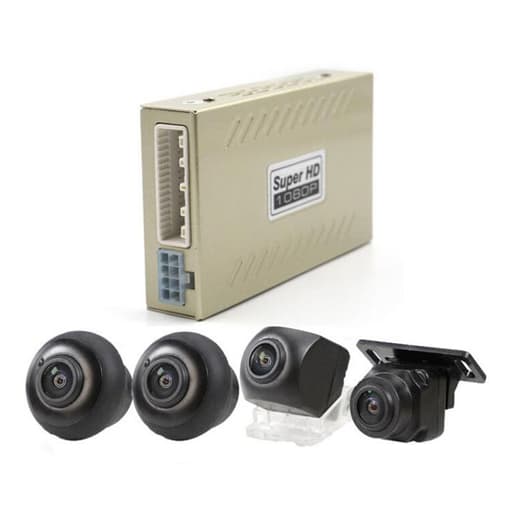
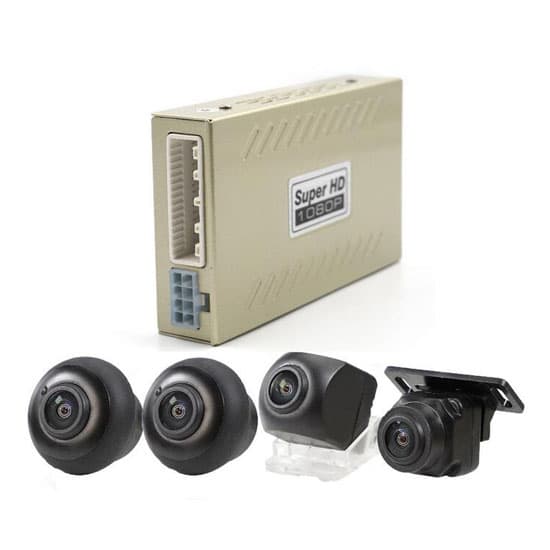
360 Degree Dash Cam 2D, 4 Cameras for Car
Original price was: $298.98.$89.99Current price is: $89.99.
58
People watching this product now!
Description
360° dash cam with 2D vision is the cheapest 360-degree panoramic monitoring system for car. It has one-key automatic calibration function.
Features:
- 4 cameras recording
Front, rear, left & right cameras record real-time traffic status simultaneously. - 360 degree reverse image
4 car-level fish-eye cameras seamlessly compose a 360-degree panorama for a birds eye view on display. It helps the driver to clearly understand the surrounding environment of the vehicle and makes reversing more convenient. - 2D vision
The 2D model of the car in the display makes it easier for the driver to observe and analyze real-time road conditions and driving trajectories. - G-sensor
Turn on collision sensing function. After an emergency brake or collision, 360 dash cam will automatically lock the current video without being deleted/ overwritten, and save it as the accident evidence. - Replay viewing
Use the car dash cam to view the playback video anytime, anywhere, and observe the recorded content to quickly resolve driving disputes. - Loop recording
Whenever the memory card is full, the dash cam will automatically loop cover the previously unlocked videos, which will save storage space and save the most recent videos at all times. - Super night vision
In the absence of light, the night vision function is still powerful. Even in a very dark environment, cameras can still shoot a clear picture. - Automatic calibration with map
360 dash cam supports system one-key automatic calibration. Accurate algorithm will truly achieve zero deviation of the image, and ensure no blind area in the display. Special calibration map needs to be purchased separately.
Specification:
| Basic | Model | T-DV360C | |
| Weight | 1.4kg | ||
| Size | 280*192*103mm | ||
| Supporting language | English | ||
| Certification | CE | ||
| Warranty | 12 months | ||
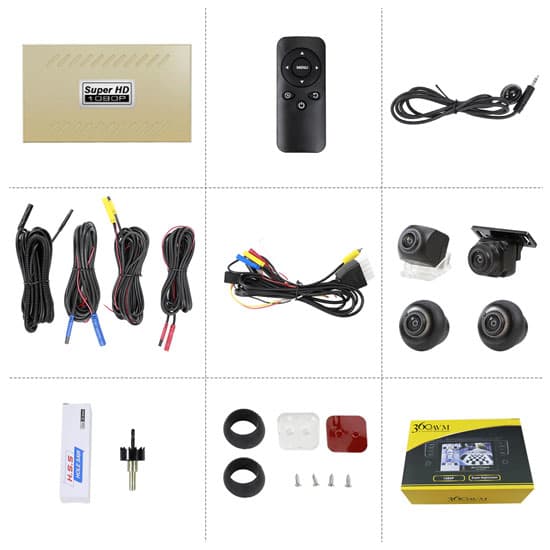
| Packing included | 1 * 360 degree parking system host (without memory card) 4 * cameras (front, rear, left & right) 1 * remote control 1 * remote receiver 4 * extension cables for cameras 1 * wire harness 1 * installation accessories set 1 * user manual 1 * color box |
||
| Display | Display * | No display (connect to car DVD reversing display) External display Note: If the reversing display is the original car own display, you need to install a decoder. If the reversing display is a non-original display on the market, you don’t need a decoder. If there is no reversing display in vehicle, you can select our external display. |
|
| Display mode | 2D 360° view & front view, 2D 360° view & rear view, 2D 360° view & left view, and 2D 360° view & right view | ||
| Camera | Type of lens | Fish-eye lens S/225 | |
| Resolution | 1280*720P | ||
| Visual angle | 180° | ||
| Protection class | IP68 | ||
| 360 degree parking system host |
Size | 122*72*25mm | |
| Working voltage | 12VDC | ||
| Rated current | 800mA | ||
| Supporting memory card | Maximum 32G (USB card) | ||
| Recording time | Maximum 20 hours for 4 cameras (using 32G card) | ||
| Functions | 4 cameras recording synchronously 360 degree reverse image 2D vision G-sensor Replay viewing Loop recording Super night vision Automatic calibration with MAP |
||
Tips: How to automatically calibrate 360 dash cam with checkerboard map?
- Lay out the checkerboard map
- For 360 dash cam 2D:
The front and back checkerboard cloths are based on the rectangle formed by measuring tape, and put is to the outside. The center line of the checkerboard cloth is required to be same with the center line of the rectangle.
The left and right checkerboard cloths are based on the rectangular box formed by measuring tape, and also put it to the outside. The center line is aligned with the camera of the left and right rearview mirror.
Read L (rectangle length), W (rectangle width), D (offset position), and record, D1=D2=D. D1/D2 is the distance between front cloth and left/right cloth. - For 360 dash cam 3D:
The map consists of two checkerboard cloths, a large U-shaped cloth in front of the car, and a small square cloth in the back of the car. Lay the two pieces of cloth smoothly in order. Note that the distance between the tail of the front cloth and the back cloth should be selected according to the length of the car body. The distance on the indicator line is 0.8m, 1m, 1.2m, 1.4m, 1.6m, 1.8m, etc.
- For 360 dash cam 2D:
- Adjust the camera position
- For the front and rear cameras, adjust the angle of the camera until you see that there is no gap between the image and the car body, and does not cover the black and white checkerboard intersection.
- For the left and right cameras, adjust the angle of the camera until you see part of the car body. At the same time, A and B should be the same as possible. That is, the checkerboards seen from the front and rear of the car look similar. Try to avoid serious deformation in one place.
- The distance between the calibration cloth on the left and right sides and the car body should be the same as possible.
- Calibration
Enter the 360 dash cam setting menu and select the calibration option. According to the actual distance between the back cloth and the front cloth, select the corresponding distance option. Then choose “starting calibration” and the 360 degree panoramic system enters the 4 in 1 monitoring interface. Press the remote control again, and the system will start automatic calibration. About 10-20 seconds, the interface will prompt whether the calibration is successful.- If the calibration is successful, the system will automatically restart after 3 seconds.
- If the calibration fails, the system will prompt which camera failed the calibration.
Related products
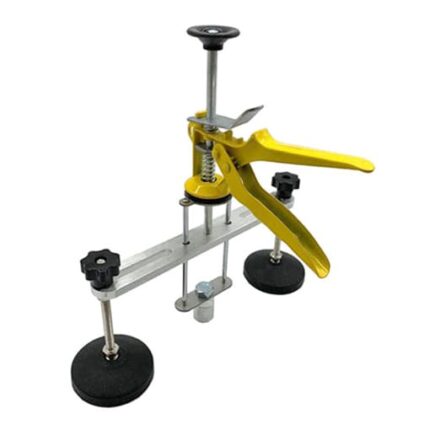
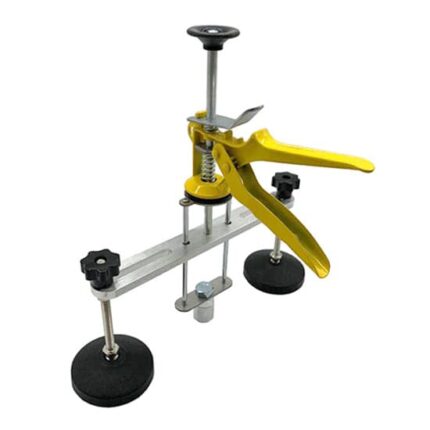
12 Inch Bridge Dent Puller
Original price was: $123.78.$37.99Current price is: $37.99.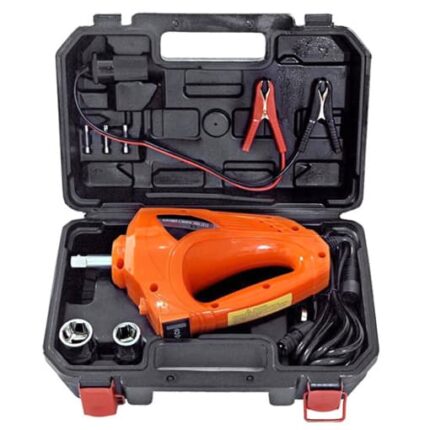
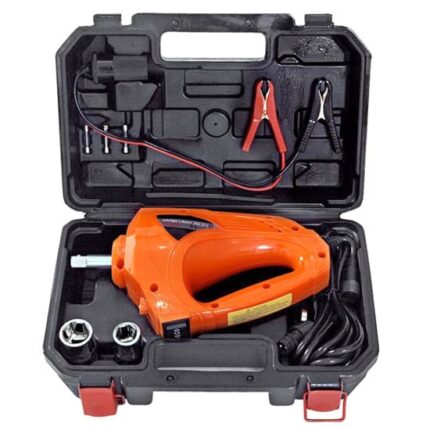
12V Impact Wrench for Car 80 watt
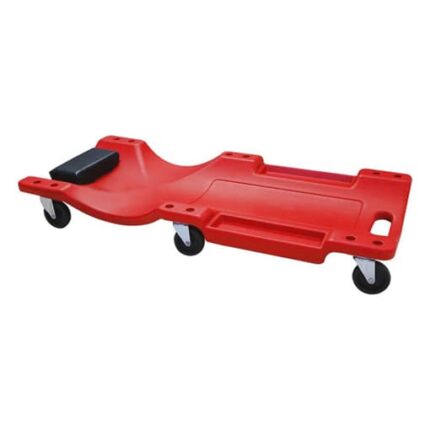
Original price was: $163.68.$49.99Current price is: $49.99.36 Inch Automotive Creeper, Black/Red
 Black (no LED light)
Black (with LED light)
Red (no LED light)
Red (with LED light)
Black (no LED light)
Black (with LED light)
Red (no LED light)
Red (with LED light)
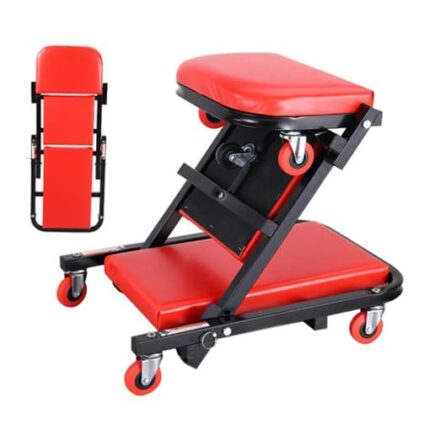
36 Inch Folding Mechanic Creeper, Red
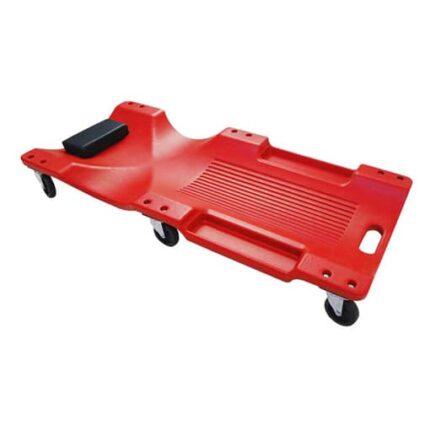
Original price was: $256.98.$77.99Current price is: $77.99.40 Inch Automotive Creeper, Green/Red/Black
 Black (no LED light)
Black (with LED light)
Green (no LED light)
Green (with LED light)
Black (no LED light)
Black (with LED light)
Green (no LED light)
Green (with LED light)
+2
Red (no LED light)
Red (with LED light)