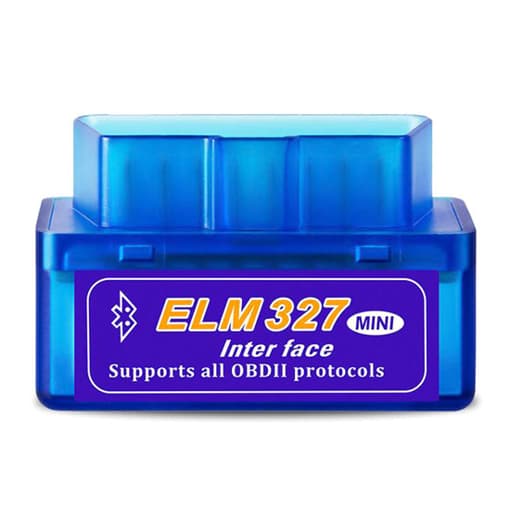
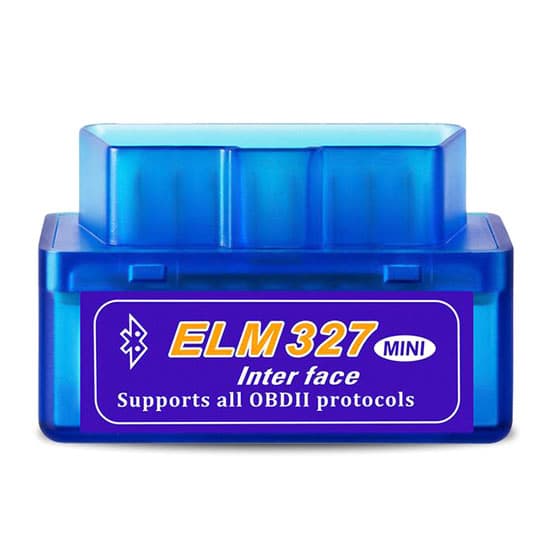
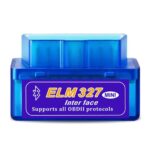
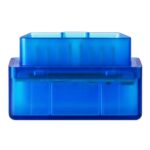
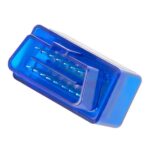
Mini Bluetooth OBD2 Scanner, Android/PC
Original price was: $5.89.$2.99Current price is: $2.99.
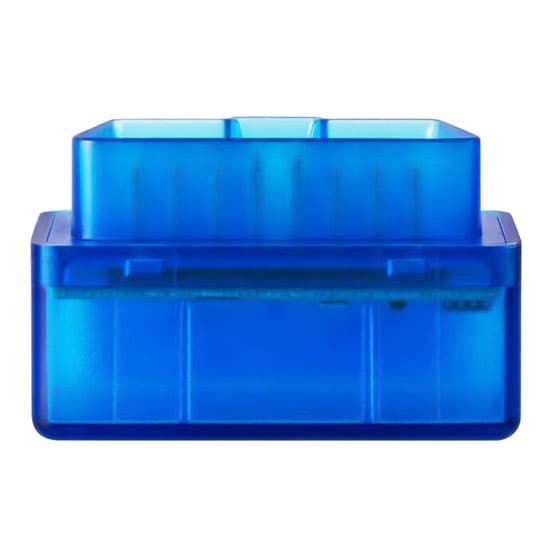
Mini bluetooth OBD2 scanner supporting cell phone and PC operation, can work with all the cars have OBD2 functions.
Specification:
| Model | T-DGT-ELM327 |
| Weight | 36g |
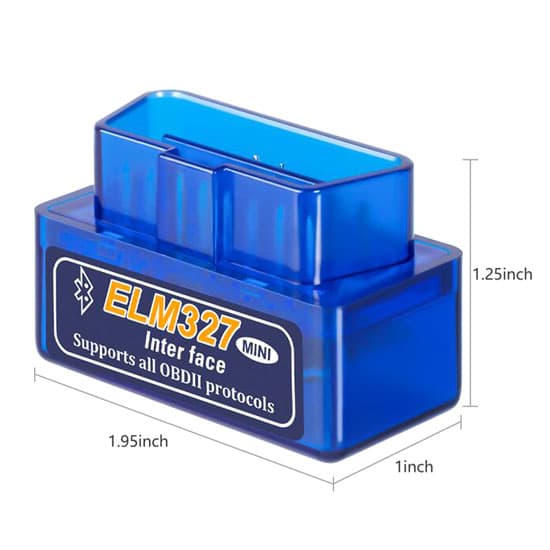
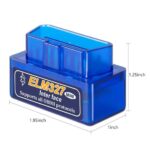
| Size | 1.95*1*1.25 inch |
| Communication | Bluetooth (5-10m communication distance) |
| Software | Palm, PDA, Mobile, Windows PC, Smartphone |
| Function | Read diagnostic trouble codes, both generic and manufacturer-specific, and display their meaning (over 3000 generic code definitions in the database). Clear trouble codes and turn off the MIL (“Check Engine” light). Display current sensor data, including Engine RPM, Calculated Load Value, Coolant Temperature, Fuel System Status, Vehicle Speed, Short Term Fuel Trim, Long Term Fuel Trim, Intake Manifold Pressure, Timing Advance, Intake Air Temperature, Air Flow Rate, Absolute Throttle Position, Oxygen sensor voltages/associated short term fuel trims, Fuel System status, Fuel Pressure. |
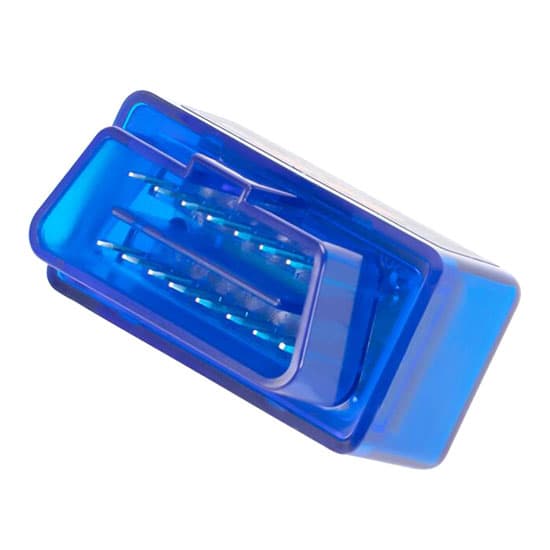
| Support OBD-II protocols | ISO15765-4 (CAN), ISO14230-4 (KWP2000), ISO9141-2, J1850 VPW, J1850 PWM |
| Applicative automaker | Benz, BMW, Citroen, Daihatsu, Fiat, Ford, Honda, Hyundai, Kia, Lexus, Mazda, Mitsubishi, Nissan, Peugeot, Proton, Renault, Subaru, Suzuki, Toyota |
| Warranty | 12 months |
| Packing included | 1 * mini bluetooth OBD2 scanner 1 * CD-ROM |
Tips: How to install bluetooth OBD2 scanner to Android mobile phone?
Mini bluetooth OBD2 scanner T-DGT-ELM327 is the latest vehicle fault diagnostic tool based on Bluetooth communication. It can read the car fault code and know the meaning of the fault code, clear the fault code, and display sensor data, such as: engine speed, coolant temperature, vehicle speed, intake manifold pressure, intake temperature, air flow rate, throttle position, oxygen sensor voltage, fuel pressure, etc.
The biggest function of mini bluetooth OBD2 scanner is to allow users to perform fault diagnosis and clear operations on all Android mobile phones that can connect to Bluetooth.
The installation steps are as follows:
- After buying ELM327, users need to install the diagnostic APP Torque on the Android phone by the CD-ROM first.
- Insert the ELM327 into the vehicle OBD interface and start the vehicle engine.
- Connect the Android phone to Bluetooth: Turn on the phone settings, enter into wireless and networks, and turn on the Bluetooth switch. Enter the Bluetooth settings, find OBDII, click on it to Bluetooth pairing request, the required PIN is 1234.
- Enter into Torque APP, and set the OBDII connection mode to Bluetooth in the setting options. Then enter into Bluetooth device selection and recheck it is OBDII.
- Now that the Bluetooth connection settings have been completed, exit the Torque APP and re-run it.
- Add meters in the torque software: Enter into the torque software, find the realtime information button in the main interface, click on it and find an empty page on the phone, click the add new meter button, select the meter you want to view, and then select the meter display data, green parts of the data is available. A meter is added successfully. If you don’t want to display the meter, just press the meter icon and hold for a while, and a menu will pop up, just select delete.
Related products
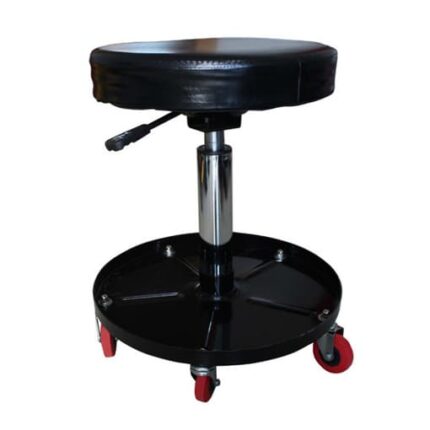
15 Inch Lift Creeper Seat, Black/Red
 Black
Red
Black
Red
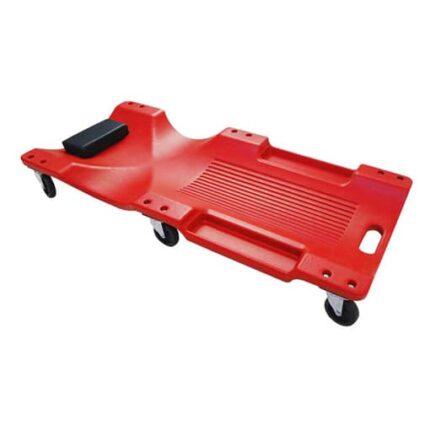
40 Inch Automotive Creeper, Green/Red/Black
 Black (no LED light)
Black (with LED light)
Green (no LED light)
Green (with LED light)
Red (no LED light)
Red (with LED light)
Black (no LED light)
Black (with LED light)
Green (no LED light)
Green (with LED light)
Red (no LED light)
Red (with LED light)